Status Example Reports
Clicking the Status Reports button from the Asset Management Options Panel brings you to a page listing several report examples.
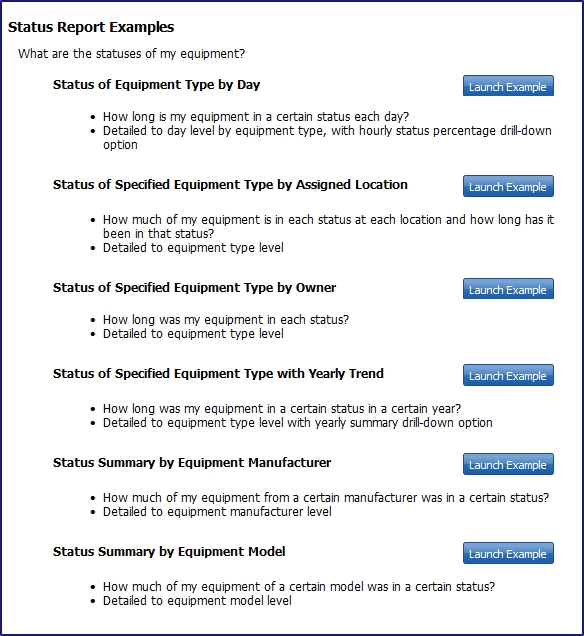
Use the headings and bulleted descriptions to determine which example report you want to view or use as the basis of your custom report.
Notes:
- The report examples serve as views into your organization's data. Some of them are designed to display trends and comparisons and won't be useful until enough time passes for historical data to accumulate.
- Within each category, we offer a mix of summary and detailed reports with varying time frames and amounts of historical data. To optimize performance, we coupled summaries for single item types with longer time frames and item-level details for shorter time frames. We recommend that you follow this approach as you build your own, customized reports.